

How to Sensorize Your Factory Floor in a Day: The Self-Installation Guide to Machine Monitoring
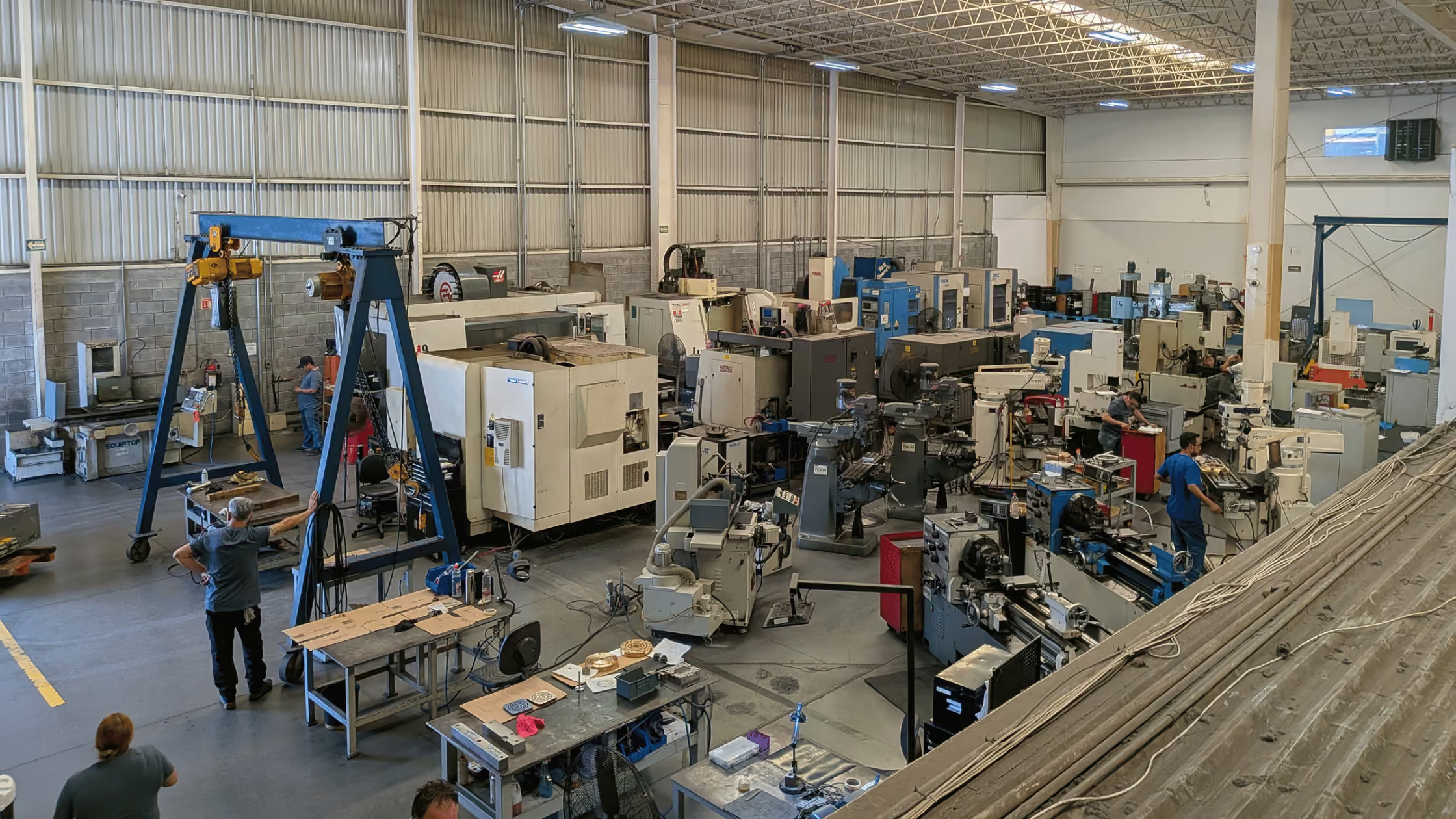
Most manufacturers assume that adding a machine monitoring platform to their facility is a project — something that requires a vendor on-site for a week, IT involvement, PLC integration work, and a significant implementation budget. For legacy enterprise systems, that assumption is correct. For SensFlo Lite, it is not. Lite is designed to be self-installed by your own team, on your own timeline, without external help. This guide walks through exactly how it works, from unboxing to your first reading in FloControl™.
For a fully integrated deployment across modern PLCs — the kind our team handles for Pro and Premier customers — see those solution pages instead. This guide covers the Lite self-install path only.
Why Self-Installation Changes the Economics of Machine Monitoring
Traditional machine monitoring implementations carry two costs that are rarely made explicit in vendor proposals: the financial cost of professional services and the time cost of scheduling and executing an installation project. A typical enterprise monitoring deployment involves:
Vendor site survey and sensor placement design: 2–4 weeks to schedule.
Hardware procurement and delivery: 2–6 weeks.
Professional installation: 1–3 days on-site per facility, billed at $150–$300/hour.
IT configuration and network integration: 1–2 weeks of back-and-forth.
Training and commissioning: Additional days of on-site or remote time.
Total time from decision to live data: 2–4 months. Total professional services cost: $10,000–$50,000 per facility.
SensFlo Lite's self-installation model eliminates this entirely: a magnetic sensor and a wireless gateway, no network switch, no electrician, no vendor visit.
What You'll Need Before You Start
Equipment
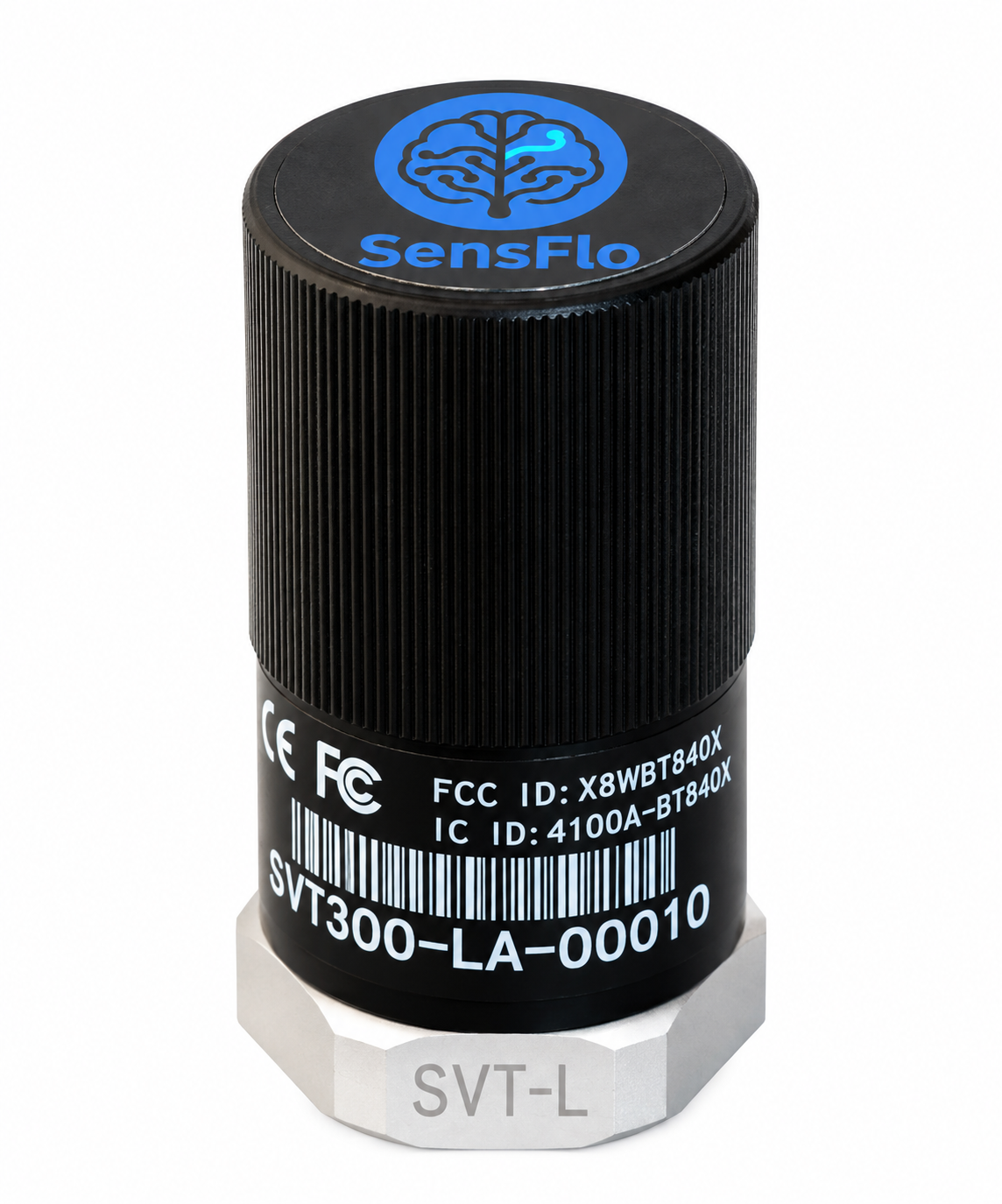
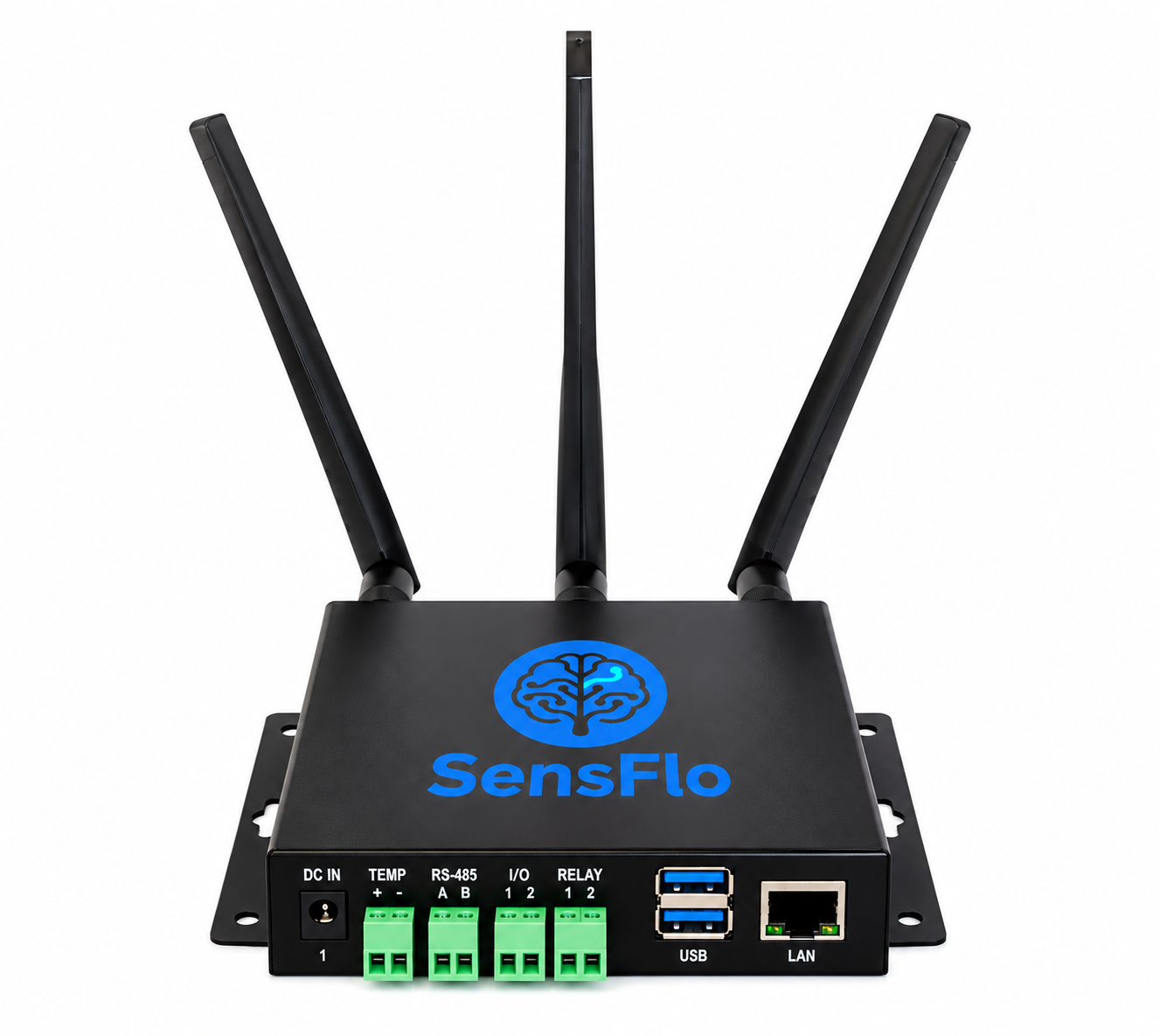
Your SensFlo Lite sensor and gateway kit — ships 2–3 days after checkout, see pricing.
A clean, dry rag to prep the mounting surface.
A power outlet near where you'll place the gateway.
Information
A short list of the machines you want to monitor, with the names or numbers you want to use in FloControl.
Your facility's Wi-Fi name and password — only if you're connecting over Wi-Fi rather than cellular.
Team
One person can mount sensors and connect the gateway in well under a day. No electrical, engineering, or IT background required.
Step 1: Mount the Sensor
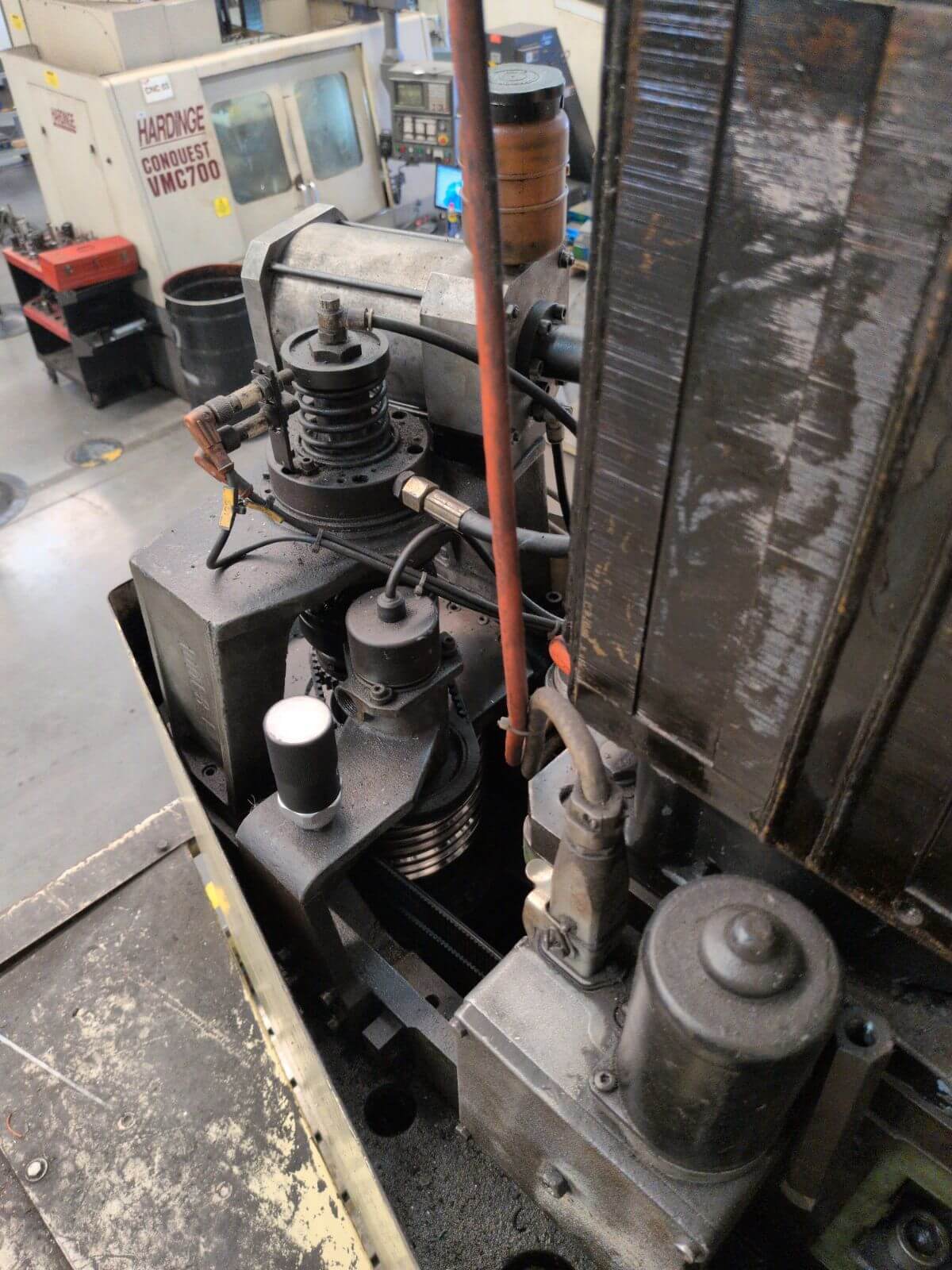
Each SensFlo Lite sensor is a small magnetic sensor, about the size of a lighter, that reads machine status, temperature, and vibration.
Wipe the mounting surface clean and dry first — oil or grease on the surface weakens the magnetic hold and adds noise to the reading.
Find a solid, flat spot close to the bearing or drive — the spindle housing on a CNC machine, or the motor frame on other equipment.
Twist the sensor into place. The magnet does the rest — no tools, no drilling, no wiring.
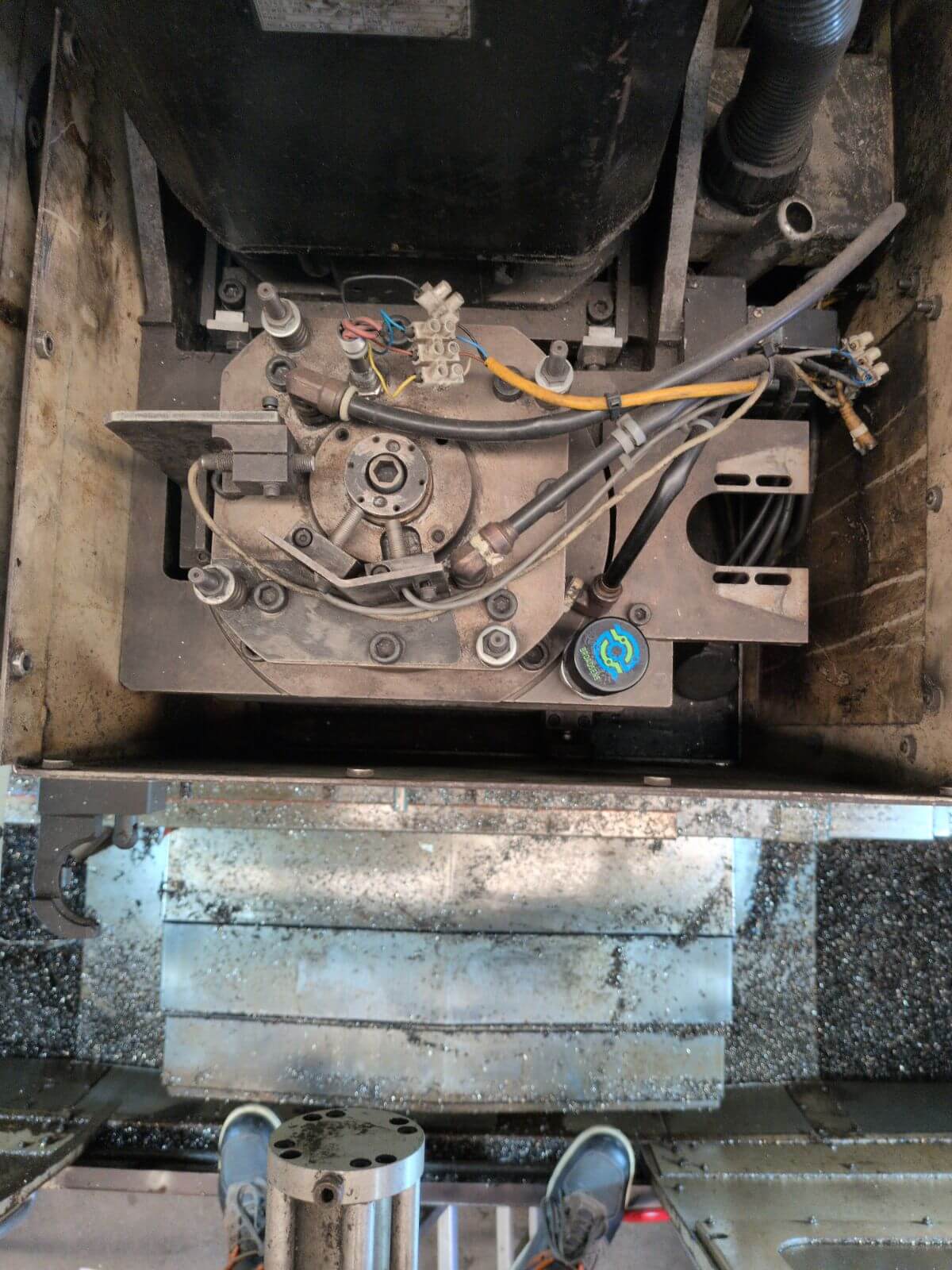
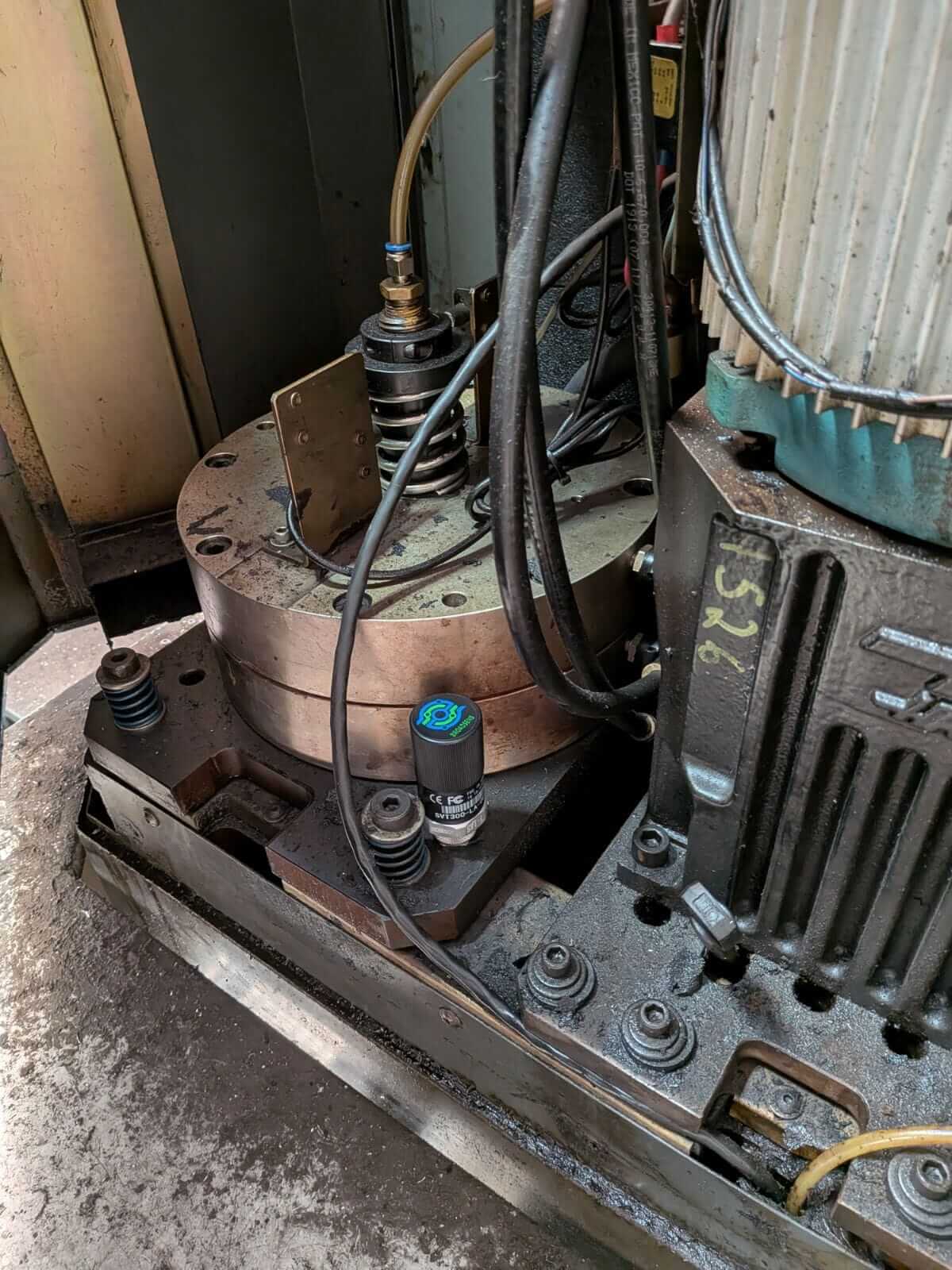
Solid, machined housings give a cleaner reading than thin sheet metal, which resonates on its own and adds noise to the signal — the same reason ISO 10816 vibration guidelines call for measuring at bearing housings rather than covers or panels.
Step 2: Connect the Gateway
The gateway is what gets your sensors' signals online. Plug it into power near your sensors and it connects automatically over Wi-Fi or cellular, whichever is available. There's no network switch to buy, no port to open, and nothing for your IT team to configure.
If you're using Wi-Fi, have your network name and password on hand. If you're on the cellular-connected gateway, there's nothing else to do — that's the option we'd recommend for shop floors without reliable Wi-Fi coverage, or if you'd rather keep monitoring hardware off your production network entirely.
Step 3: SensFlo Confirms You're Live
Once your sensor and gateway are connected, our engineering team verifies the connection and activates your machines in FloControl™. There's nothing further for you to do — if we run into a signal issue on our end, we'll reach out to troubleshoot with you rather than leave you guessing. Most customers are fully live within a week of their kit arriving; see our FAQ for more on typical timelines.
What You'll See in FloControl
Lite tracks whether each machine is on, off, or idle, along with temperature and vibration. That's enough to answer the question most shops actually lose sleep over: is the machine running right now, and if not, why did it stop?
Set an alert for any stoppage past a threshold you choose — many customers start around 10 minutes — and FloControl notifies you the moment it happens. Over time, a Pareto view of your downtime events shows which causes are costing you the most, so you know what to fix first.
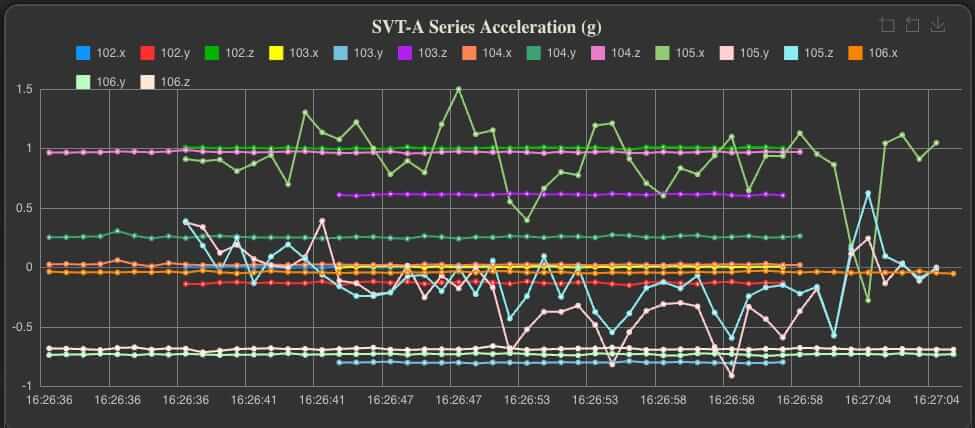
Lite runs on the same FloControl dashboard as Pro and Premier — it's the depth of data underneath that differs.
Lite vs. Pro and Premier
Lite is purpose-built for machines that can't support deeper data extraction — older CNC equipment, legacy PLCs, anything without a modern controller to tap into. It won't give you the predictive, AI-driven anomaly detection that FloE and the Pro and Premier tiers unlock from a machine's own control data — for that, you're looking at a tier up.
What Lite will do is get you from zero visibility to real data, on hardware you likely already run today. Many manufacturers mix tiers in the same facility — Lite sensors on older machines, Pro or Premier on anything with a modern controller worth integrating more deeply. See pricing to compare all three.
Common Sensorization Mistakes and How to Avoid Them
Mounting sensors on thin sheet metal panels: Sheet metal resonates at its own frequency, contaminating the reading. Always mount on solid cast or machined surfaces.
Placing sensors too far from bearings: Every inch of distance between the sensor and the bearing adds noise and reduces sensitivity. Get as close as geometry allows.
Not cleaning the mounting surface: Even a thin film of oil or grease reduces magnetic contact. 30 seconds of cleaning matters.
Related Reading
- Predictive vs. Preventive Maintenance
- Machine Monitoring for CNC Machining and Job Shops
- Industrial AI and Machine Monitoring Glossary
Ready to get started? Talk to our team — most manufacturers are monitoring their first machines within a week. Use the ROAI Calculator to project your return, or explore pricing to find the right tier for your operation. Learn more about our solutions, FloE AI, and customer success stories.
Frequently Asked Questions
Do I need a network switch for SensFlo Lite?
No. The gateway connects directly over Wi-Fi or your facility's cellular network — there's no switch to buy or port to open.
Does self-installation require IT or electrical work?
No. Mounting the sensor and powering the gateway is designed for anyone on your team — no electrician, IT ticket, or vendor visit required.
How long until my machine shows up in FloControl?
Physically installing a sensor and gateway takes well under an hour. From there, our engineering team verifies the connection — most customers are fully live within a week of their kit arriving. See also our Complete Guide to Machine Monitoring for context on what you're building toward.
What equipment is needed to sensorize a factory floor with Lite?
A SensFlo Lite kit includes a magnetic sensor and a gateway that connects over Wi-Fi or cellular. Learn about sensor types in depth: vibration sensors and temperature monitoring.
What if my machine doesn't have a flat, clean surface to mount to?
Look for the nearest solid housing close to the bearing or drive — a spindle housing, motor frame, or gearbox casing usually works. Contact your rep if a specific machine has you stuck.
Can I move a Lite sensor to a different machine later?
Yes. The magnetic mount is fully repositionable — just update the assignment in FloControl so the new machine's history starts fresh.
Is Lite a good fit for older or legacy machines?
Often, yes — it's one of the main reasons manufacturers choose it. See Is Lite right for you on the Lite page for the full picture.


Talk to us
Let us take your company to the next level. Let’s have a chat and find out how we can help you.

